A great AI webcam,
dumb on Linux. Until now.
The EMEET PIXY's face tracking, hardware privacy shutter, and noise cancellation ship only in the vendor's Windows and macOS app. emeet-pixyd reverse-engineers the camera and gives Linux every feature — automatically.
# Start the daemon
emeet-pixyd

# Check status
emeet-pixy status

# Auto mode handles everything
# Call starts  -> face tracking + noise cancellation + audio switch
# Call ends    -> privacy mode (hardware lens block)

# Manual control also available
emeet-pixy track          # Enable face tracking
emeet-pixy privacy        # Privacy mode
emeet-pixy center         # Center camera
emeet-pixy pan -90        # Pan left 90 degrees
emeet-pixy zoom 120 # Zoom to 120%Screenshots
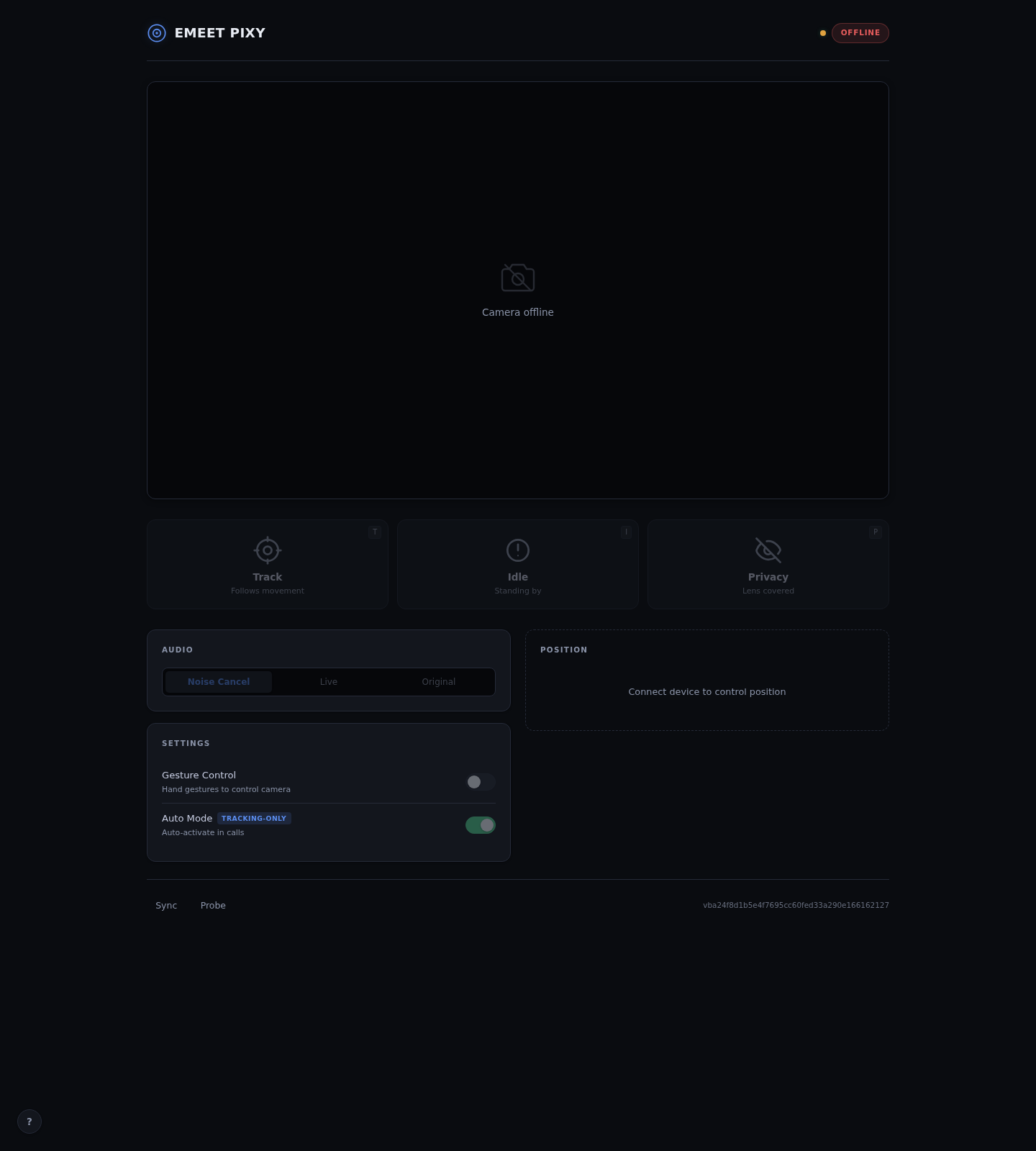
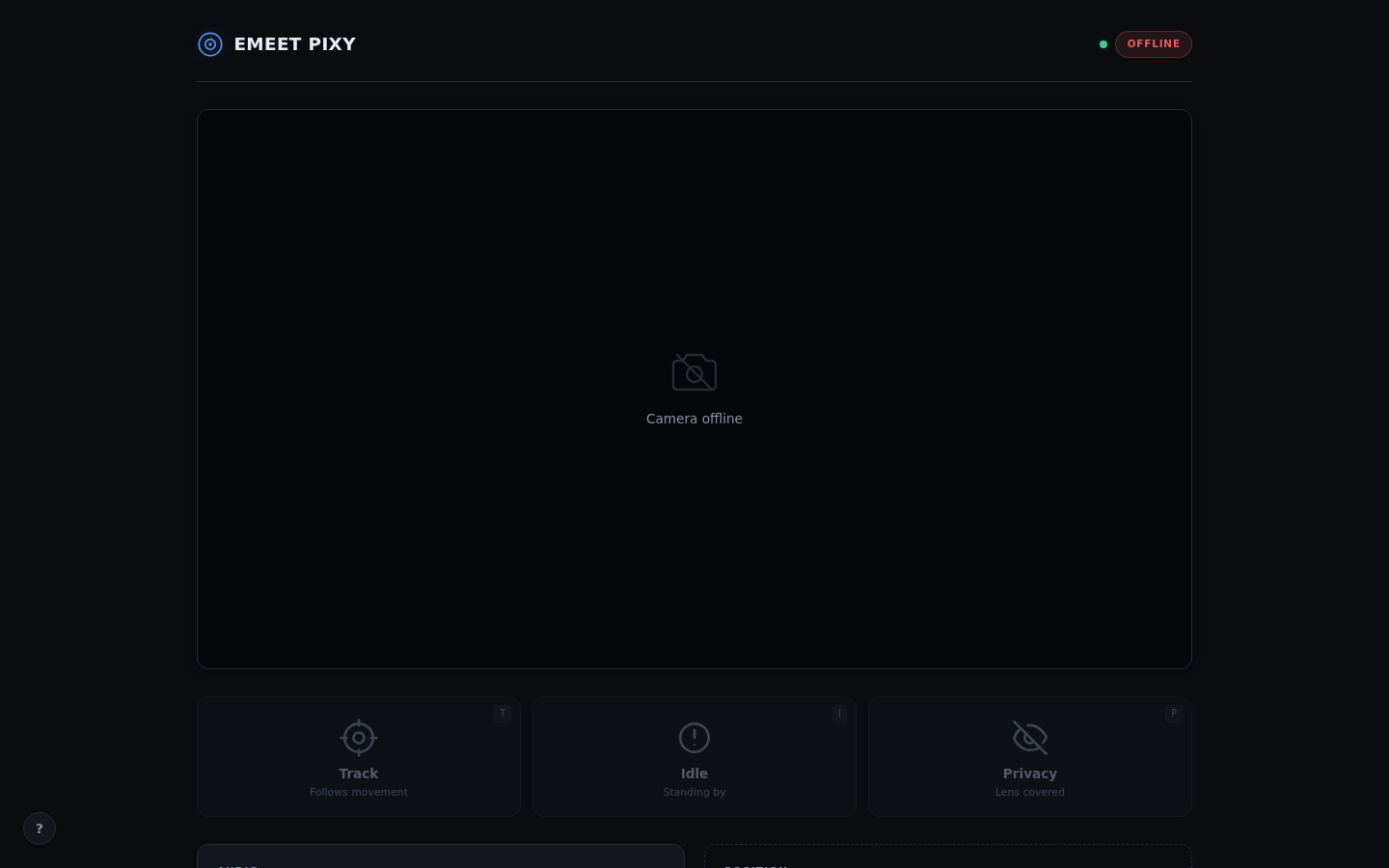
The real control panel, served by the daemon itself.
Everything automated.
From call detection to privacy mode, the daemon handles it all. No browser extension, no per-app setup.
Call Detection
Scans /proc for processes holding the video device open. Works with Zoom, Teams, Meet, OBS, anything that opens /dev/video*.
Auto Face Tracking
Enables the PIXY's dual-camera AI tracking the moment your call starts. No per-app setup. No manual toggles.
Privacy Mode
When the call ends, the lens is physically blocked. The hardware shutter engages automatically.
Audio Switching
Auto-switches your PipeWire default source to the PIXY microphone on call start. Noise cancellation included.
DataStar Web UI
Dark-themed control panel at 127.0.0.1:8090 with live MJPEG preview, PTZ sliders, presets, and toast notifications.
Prometheus Metrics
OpenTelemetry-based metrics exposed at /metrics. Monitor probe results, stream duration, and command latency.
USB Hotplug
Netlink uevent listener detects USB plug/unplug in real time. Recognizes the whole EMEET lineup — PIXY, PIXY 2K, and fixed webcams — and only ever speaks the vendor protocol to the PIXY family.
Waybar + CLI
JSON output for Waybar modules, full CLI control via Unix socket, and NixOS module with one-option enable.
Great hardware. No Linux software.
So I built the Linux software myself.
The EMEET PIXY is a dual-camera AI webcam: face tracking, a motorized pan/tilt/zoom head, a physical privacy shutter, and a noise-cancelling microphone.
Every one of those features is locked behind the vendor’s Windows and macOS app. Plug it into Linux and you get a dumb fixed camera — no tracking, no privacy mode, no audio switching.
emeet-pixyd reverse-engineers the camera’s HID wire protocol — every 9-byte config report, the commit handshake, the 200ms timing — and drives the hardware directly. No vendor software required, ever.
The result: Linux gets everything the vendor reserves for their app — plus what they never shipped: call detection, auto modes, USB hotplug handling, PTZ presets, Waybar integration, and a live web UI.
Detect. Activate. Protect.
The daemon watches /proc for camera usage and manages your PIXY automatically.
Detect Call
Polling ticker scans /proc/*/fd every 2s for processes holding the video device open.
// /proc scanning + debounce (3 cycles) Activate
Face tracking + noise cancellation enabled via HID. PipeWire source switched to PIXY mic.
setTracking(tracking) + setAudio(nc) Call Active
Daemon monitors for call end. Web UI shows live preview and PTZ controls.
// camera in use, privacy mode off Privacy Mode
Lens physically blocked via hardware shutter. Audio source restored to default.
setTracking(privacy) + setSource(default) Why emeet-pixyd?
Manual is error-prone. Browser extensions only work in the browser. This daemon works with everything.
| Feature | Manual | Browser extension | emeet-pixyd |
|---|---|---|---|
| Works with any app | |||
| Auto face tracking | ~ | ||
| Hardware privacy mode | |||
| Audio source switching | |||
| Zoom / Teams / OBS | |||
| USB hotplug detection | |||
| CLI + Web UI + Waybar | |||
| NixOS module |
Works with anything.
If it opens /dev/video*, the daemon knows about it.
Video Calls
Zoom, Teams, Google Meet, Slack, Discord — auto-tracks your face and blocks the lens when you hang up
Live Streaming
OBS opens /dev/video* and the daemon activates tracking automatically
Privacy First
Forget to disable tracking? The hardware shutter engages the moment the camera is released
One option to enable.
Add the flake, enable the module, and your PIXY is smart.